Shot after Shot
A free online photoboothdesigned to bring you closer,no matter the distance between you.
From the first preview to a saved strip
Choose who is behind the camera
If you are sharing one camera, choose Solo. If friends are joining from their own phones or laptops, choose Group. A group room supports up to 4 people, including the host. Everyone needs camera access and an internet connection.
One camera
Choose your frame, enable the camera, and check the crop. Solo works for one person or friends sitting beside the same device.
Separate devices
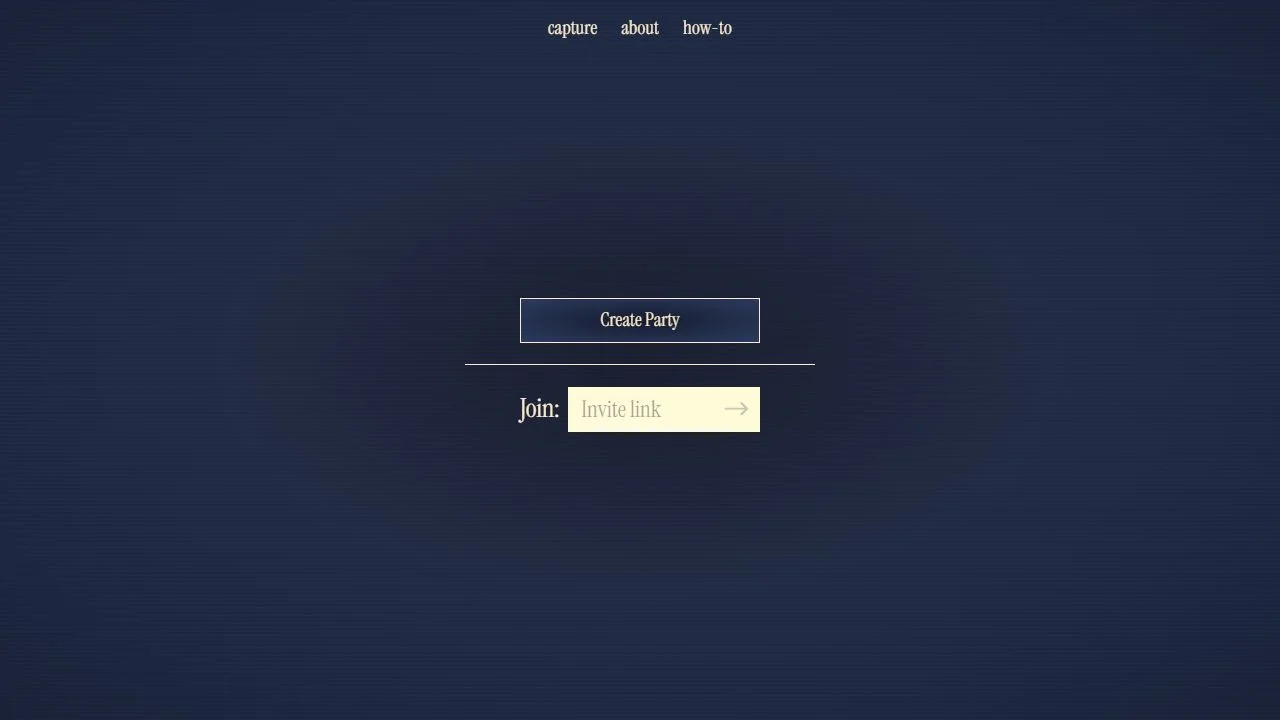
Create a party and share the complete invitation link. Guests join the same room and get ready before the host starts.
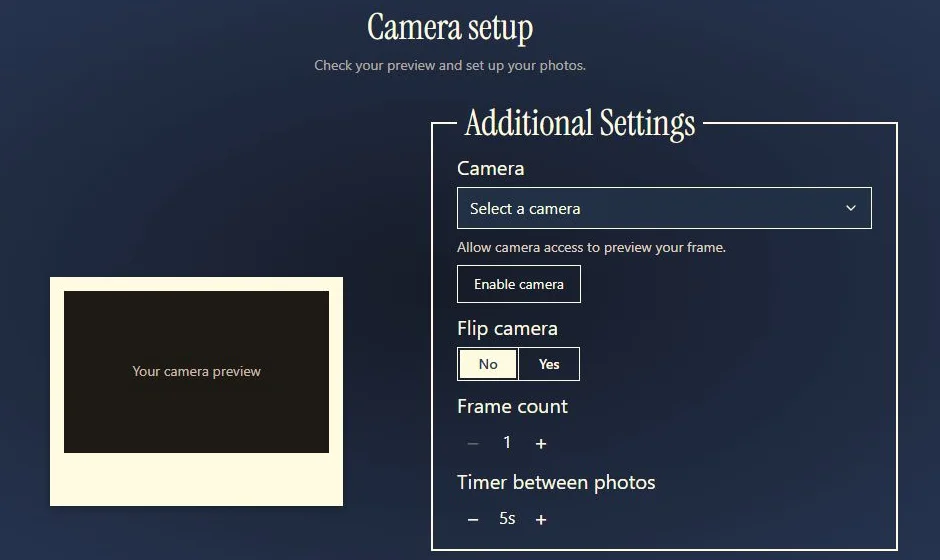
Check the preview before the countdown
Choose a layout before taking pictures. In the camera screen, check that faces and hands fit, select the camera you want, and give yourself enough time between poses. In a group, wait until every person has a working preview.
Decorate, download, and keep your own copy
Change the frame color, add stickers or a drawing, then download your finished images. Open each saved PNG; if you made several frames, use the download link for each file or the save/share menu on a phone. Shared photos are temporary and are scheduled for deletion after seven days; download anything you want to keep.
See the download controls, or use the long-distance session plan for your next call.
Want to inspect a file first? Open the illustrated samples and download a PNG before using your camera.
Help for the part you are working on
- Plan four poses
Pick a sequence for a birthday, date, costume, solo session, or group.
- Get your camera working
Check the permission message, camera access, and device connection.
- Set up your light
Use window and lamp diagrams to avoid a dark face or bright background.
- Fit everyone in the picture
Check the crop before hands, props, or faces get cut off.
- Print your finished strip
Choose a paper layout and check its size before using photo paper.